

How to Book a Professional Cleaning Service Online
Booking a professional cleaning service online has never been easier. Follow this step-by-step guide to schedule your first cleaning in under 60 seconds.
Step 1: Choose Your Service Type
Identify what type of cleaning you need:
- Regular home cleaning (weekly, bi-weekly, monthly)
- Move-in or move-out cleaning
- Commercial or office cleaning
- Vacation property turnover
Step 2: Enter Your Details
Most online booking systems will ask for:
- Your name and contact information
- Service address and property size
- Preferred date and time
- Any special requests or focus areas
Step 3: Select Add-Ons
Customize your service with optional extras:
- Inside oven cleaning
- Inside refrigerator cleaning
- Window cleaning
- Organization services
Step 4: Confirm Your Booking
Before finalizing:
- Review your service details and pricing
- Check the cancellation policy
- Save your confirmation number
- Add the appointment to your calendar
With Sensational Cleaning's online booking system, you can schedule your service in just 60 seconds. No payment required upfront - you pay when the service is complete!
Ready to Experience the Sensational Difference?
Book your cleaning service online in 60 seconds
Book NowRelated Cleaning Guides & Articles
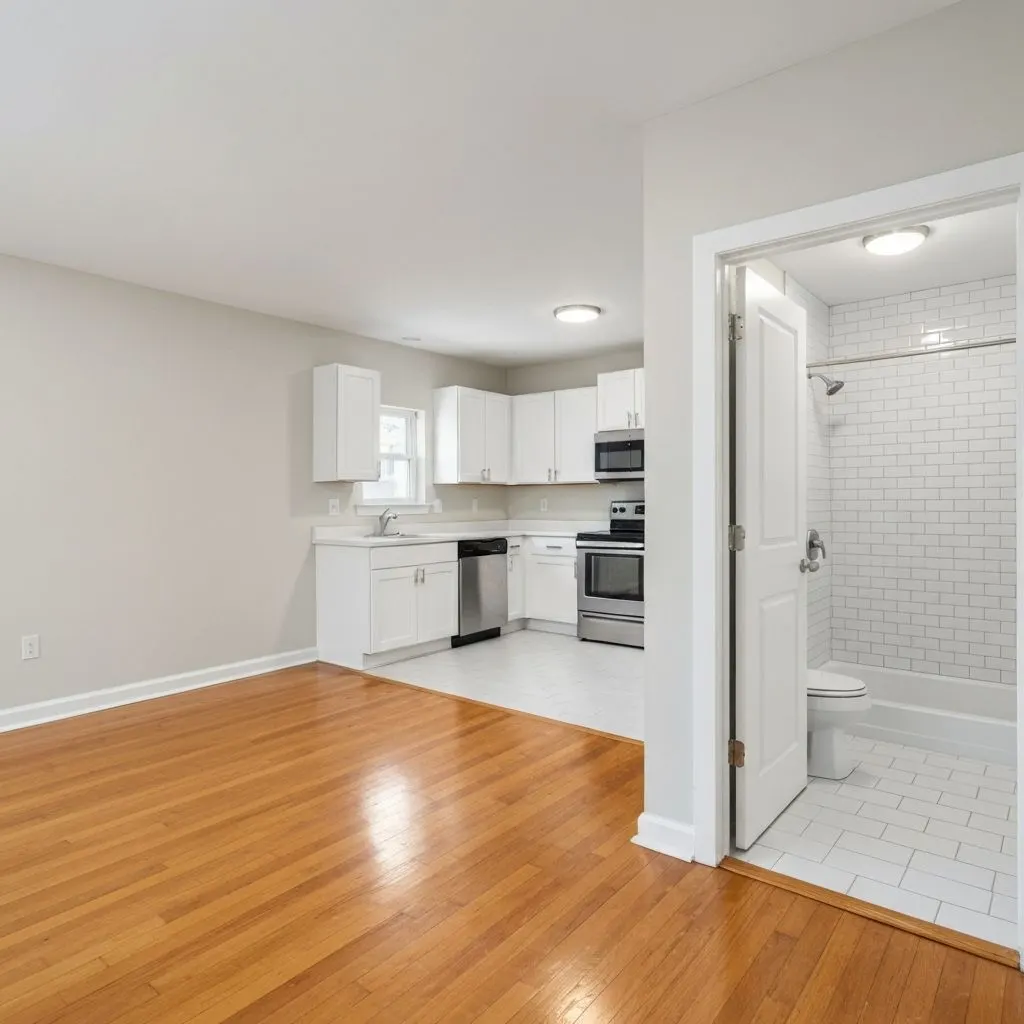
Move-In Cleaning Checklist: What to Clean Before You Unpack in Seattle
The narrow window after the previous occupant leaves and before your furniture arrives is the only time you'll have full access to a new home. Here's the complete move-in cleaning checklist.

What Should Be Included in an Airbnb Turnover Cleaning Checklist?
A complete Airbnb turnover covers linens, kitchen and bath sanitizing, restocking, staging for photos, and a damage walkthrough. Here's the full checklist.

What's Included in a Commercial Cleaning Service? The Complete Scope Checklist
A commercial contract covers three tiers: nightly tasks, weekly detail work, and monthly deep tasks. Here's the full scope — plus what's usually billed separately.